Add-Ons and Discounts
Add-ons & Discounts
The Add-ons & Discounts section allows you to enhance customer bookings with optional services or special savings. This feature helps you provide more personalized experiences and incentives for your customers.
How to create an Add-on or Discount
1. To get started, click the corresponding button to create your add-on or discount.
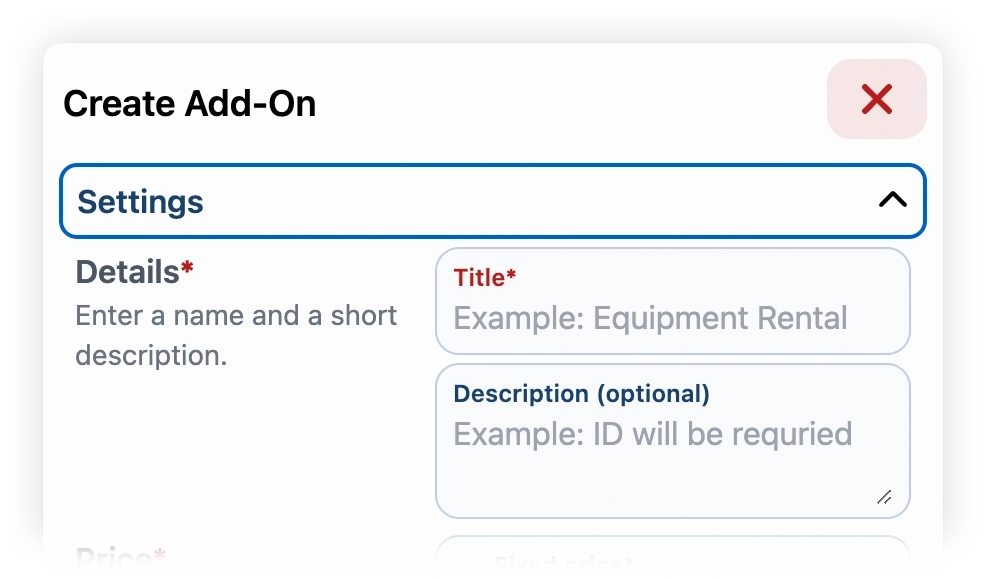
2. Add a title, an optional description
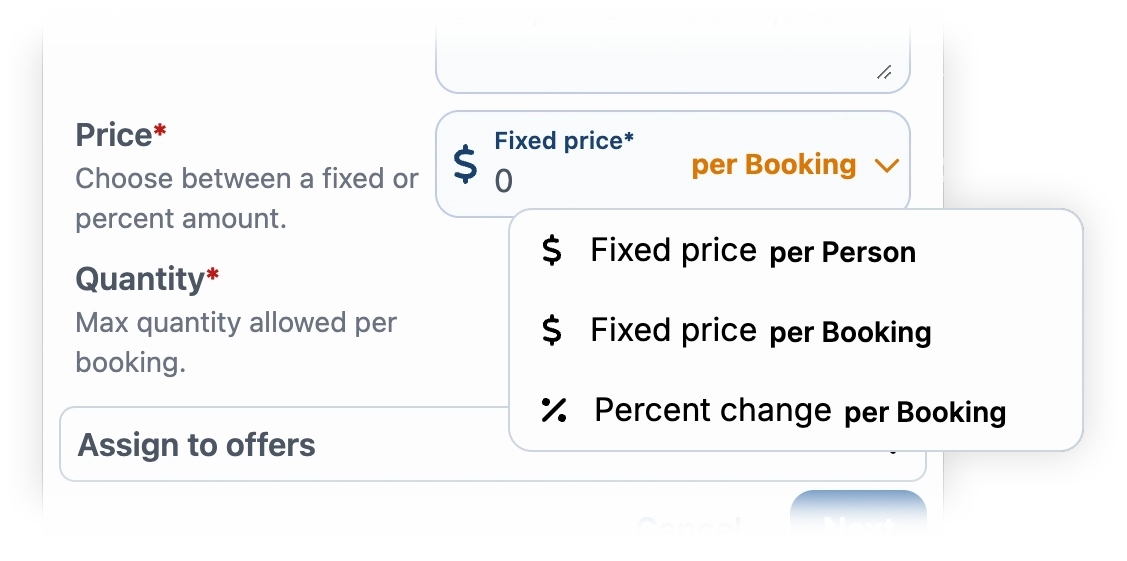
3. Select an amount of price or discount (which can be per person, per booking, or a percentage). Then choose the maximum quantity allowed per booking.
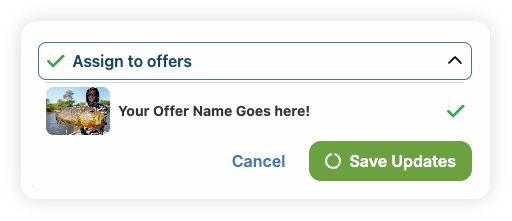
4. Last, assign it to your offers and click "Save Updates". This allows you to apply the selected add-ons or discounts to specific bookings, giving customers the option to choose or benefit from them during their reservation process.