Downloading the Vally App
You can save Vally as an app on your phone for easy access. Make sure you select “dashboard” beforehand to be on the homepage when doing this.
iPhone:
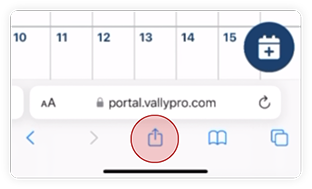
- Click the more button below the address bar.
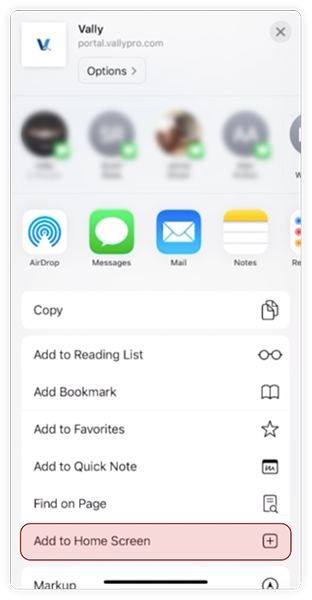
- Scroll down until you find "Add to Home Screen" button and click on it.
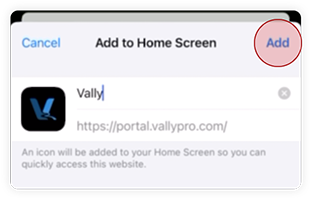
- Click the "Add" button to finish.
Android (Chrome)
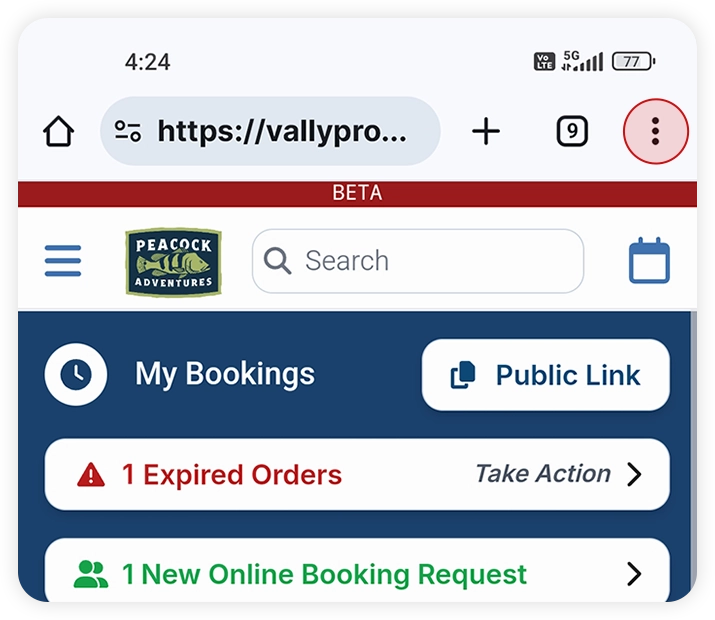
- Click on the three vertical dots on the top right of the address bar
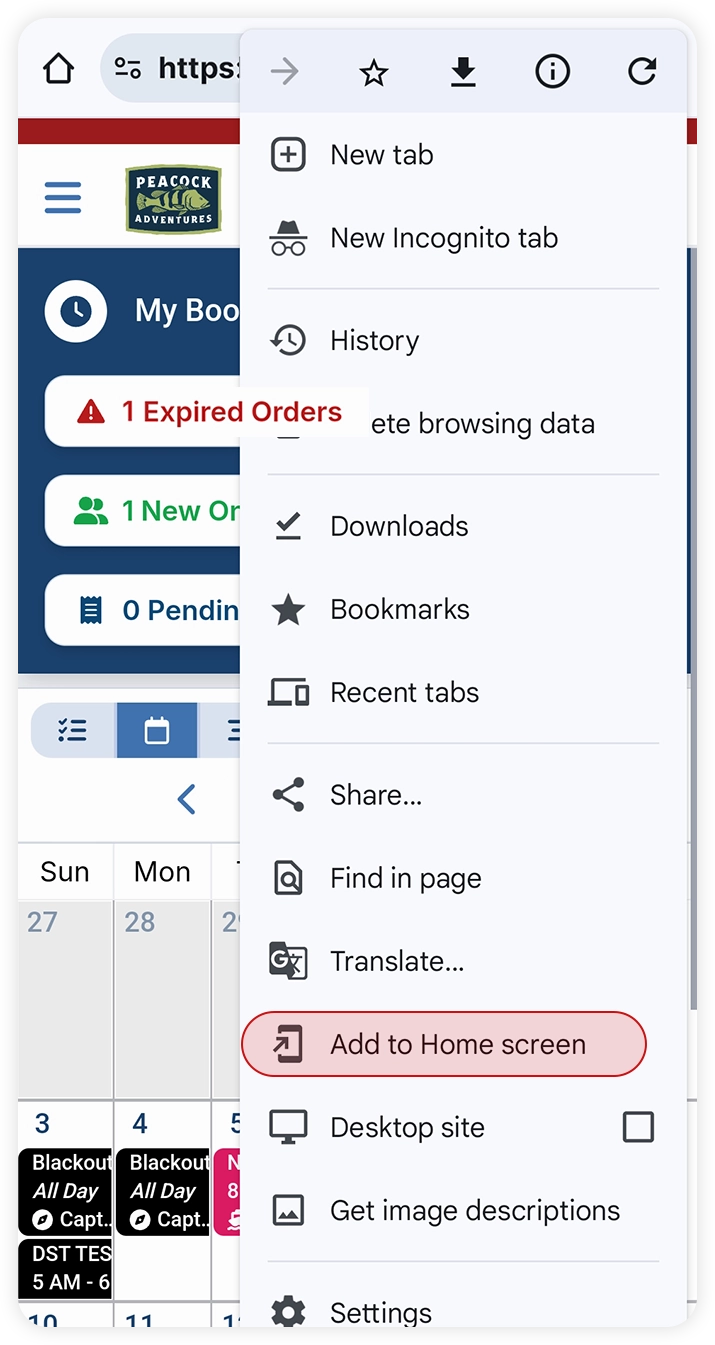
- Click on "Add to Home Screen"
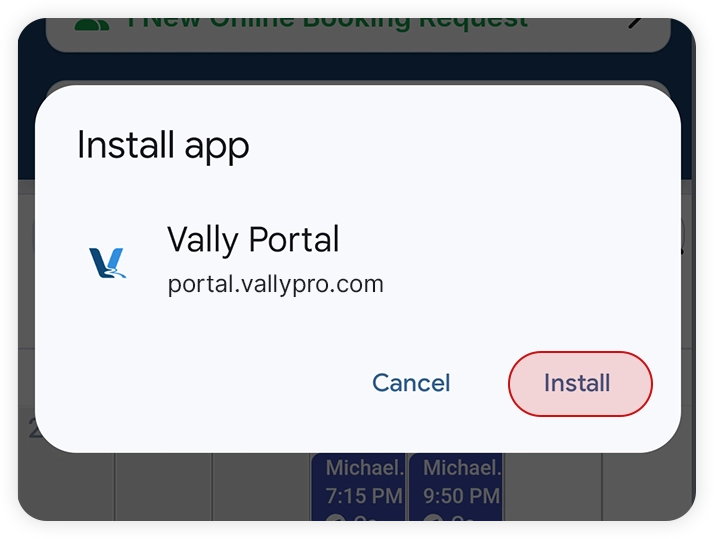
- Click on "Install"
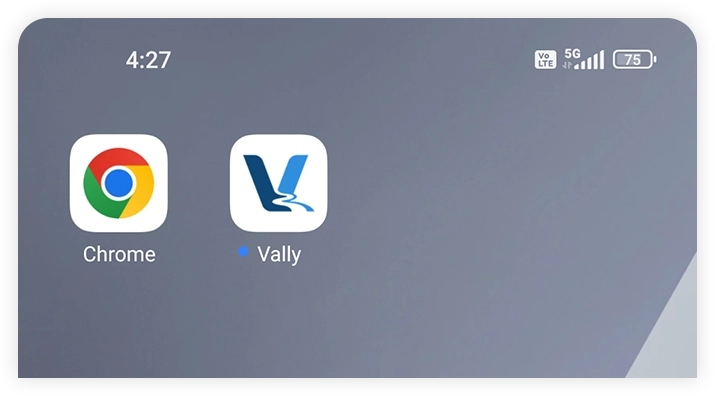
- The app will be downloaded and show up in your Home Screen