Learn how customers can pay deposits
There are two ways a customer can pay the deposit for a booking. They can pay through your online booking page, or through an invoice you create for them.
1. Booking Page
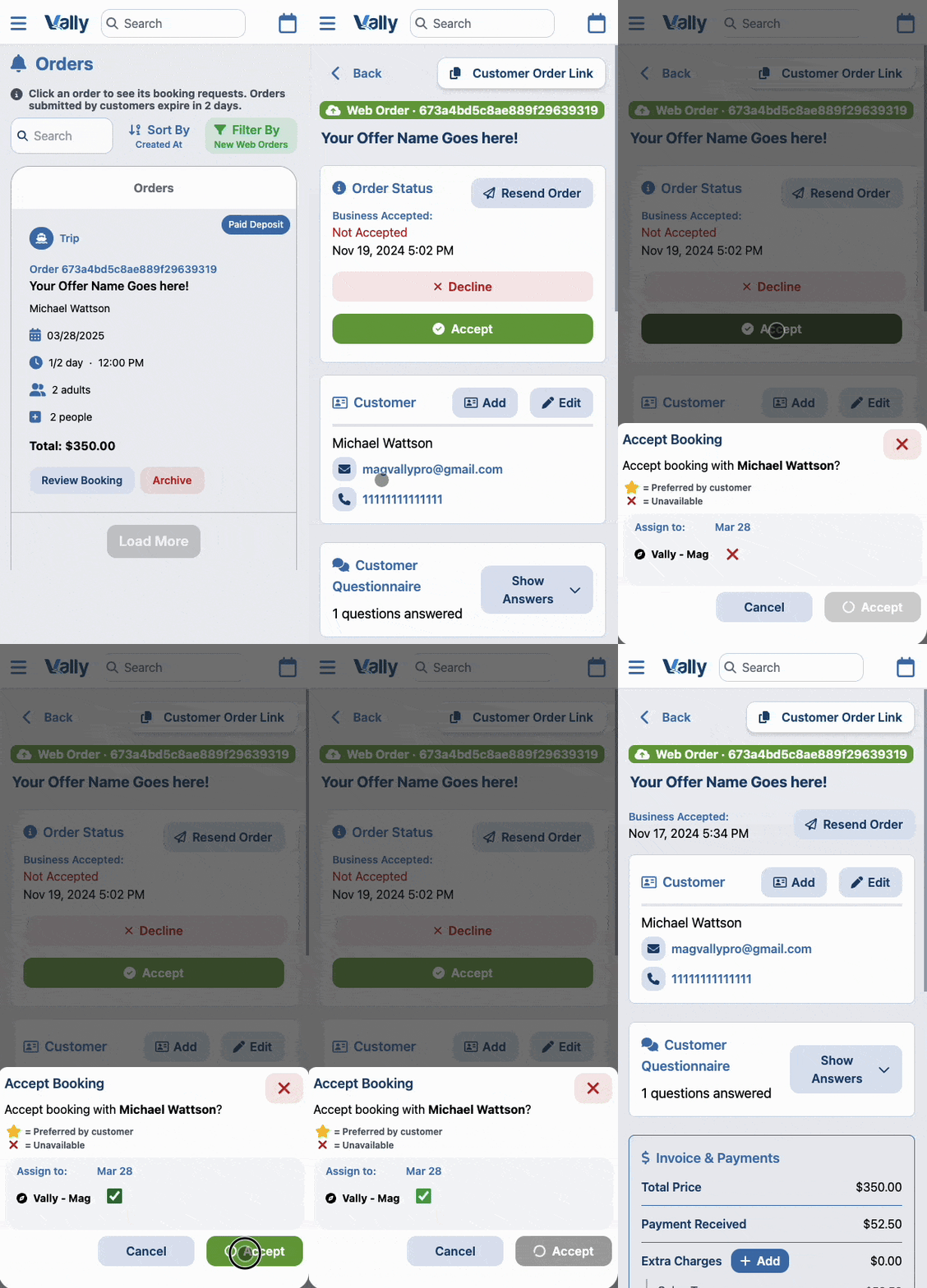
When a customer books your offers through the online booking page, the deposit payment is automatically processed at checkout. You then have to review the booking request and decide whether to approve it.
To do so, first head to the "My Orders" page or click "New Online Booking Requests" on your dashboard. Then click the request to review and approve or decline it.
2. Custom Invoice
You can also create custom invoices, allowing you to assist customers with booking trips, accommodating specific requests, and setting custom prices. This generates a payment link that can be copied or automatically sent to the customer's email.
To create a custom invoice, head to "Create an Invoice" page and then do the following:
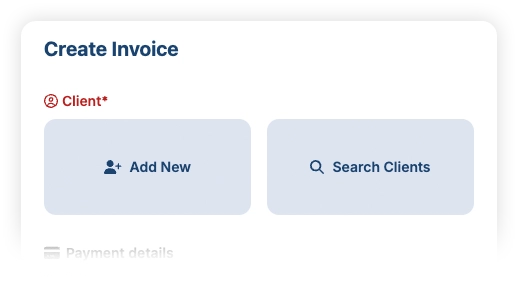
1. Add or Select a client.
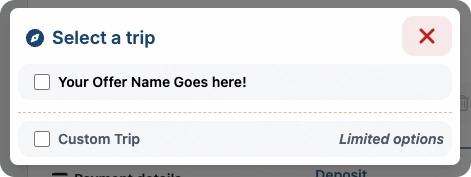
2. Select an existing Offer or create a custom one.
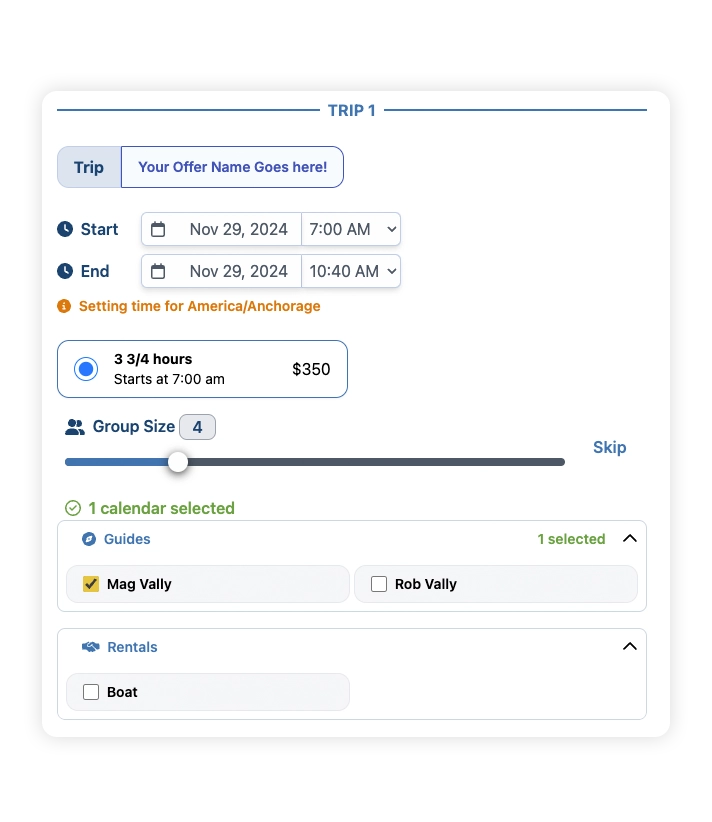
3. Fill out the details for the trip.
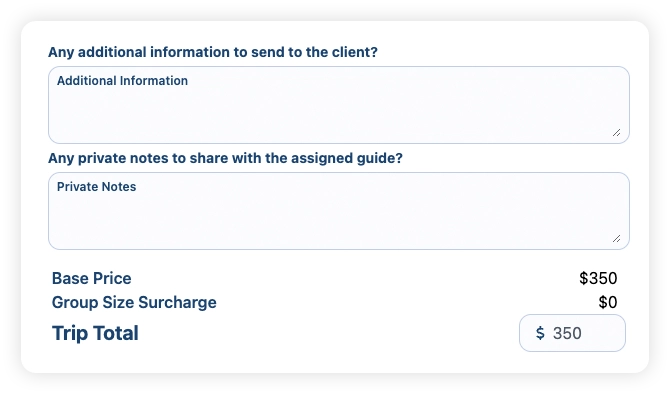
4. Add information and notes if needed. Optionally, add custom price if you wish to charge a different price for an existing offer or if you created a custom offer.
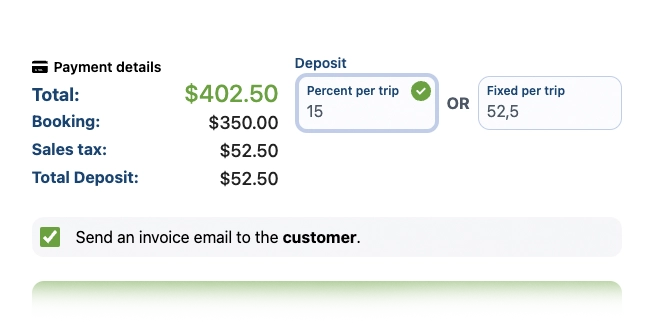
5. Select the deposit amount desired between a fixed price or a percent, then proceed to review.
6. Review the invoice carefully, then finalize it by clicking the 'Send Invoice' buttom.
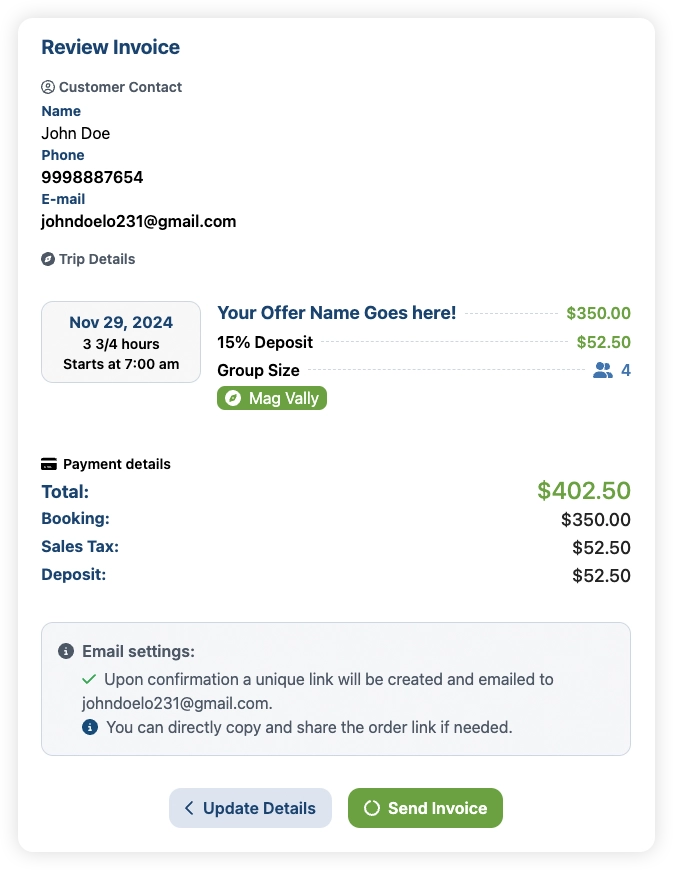
This will generate a shareable link that you can copy and send to your customers. Additionally, it will automatically send an email to that customer.