Add and Manage Resources
The resources are located in My Resources section on the menu. This is where you will input all the non-people resources your businesses uses so the availability can be properly tracked. Each resource you add will have its own calendar created to prevent double bookings. These resources will be applied to specific experiences you offer and can be used in combination with availability of team members for advanced scheduling needs.
To add a resource
-
Click the “Add Resource” button.
-
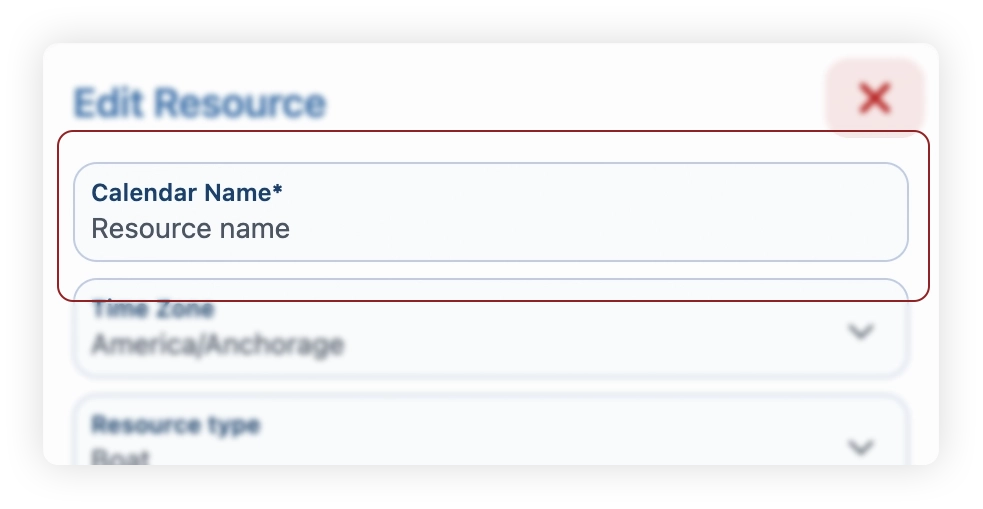
In "Calendar Name", enter the desired name for your resource. We recommend using something that will help everyone in your business easily identify it. “32’ Seavee, Cabin 1, Silver Pontoon, etc.”
-
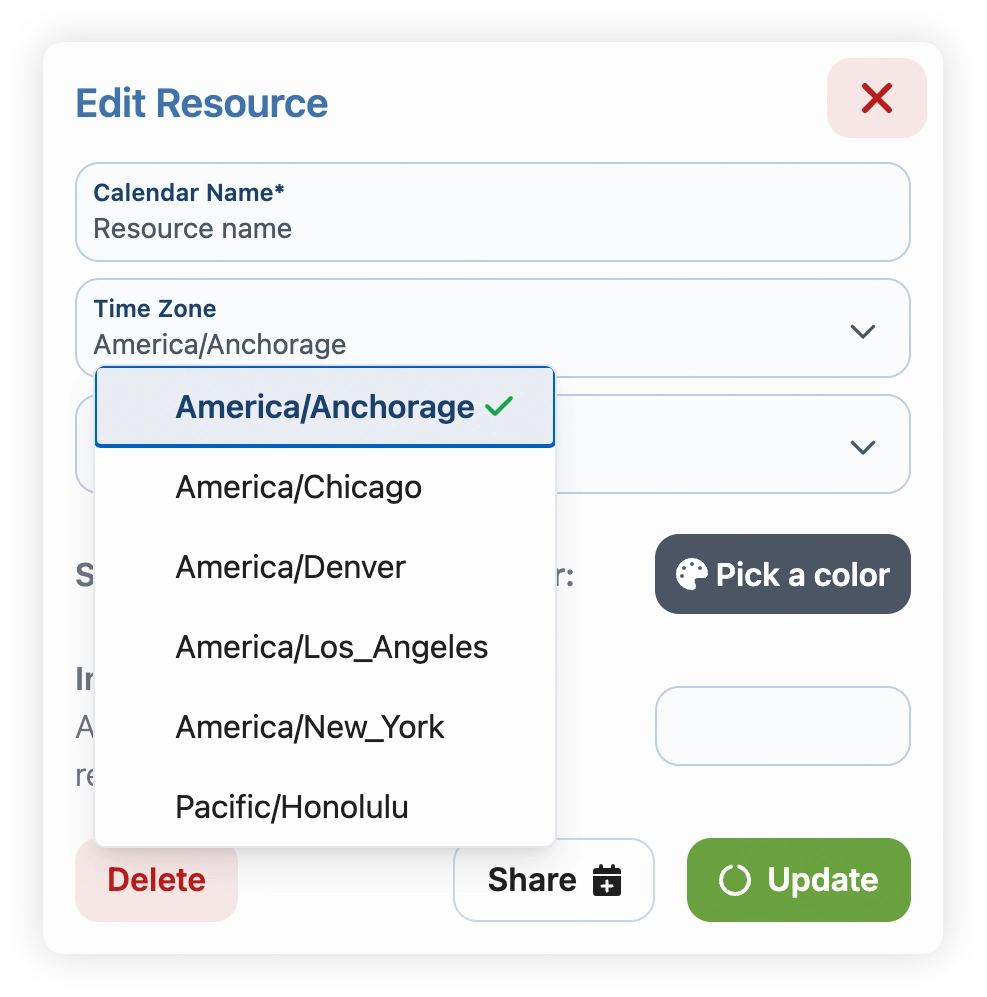
Enter the time zone
-
Select the resource type. This will dictate how the experience is communicated to clients.
Example - if you enter the resource as a boat, any trip page that this resource is assigned to will use boating language -
Select a color for the calendar for easy identification
-
(optional) Assign an indicator number. This is useful when your business tracks a number of resources that are the same item. This indicator will allow you to quickly identify the resource when looking at the calendar. If your business uses something like 3 boats that are all the same model & color, these indicator numbers help tell them apart.