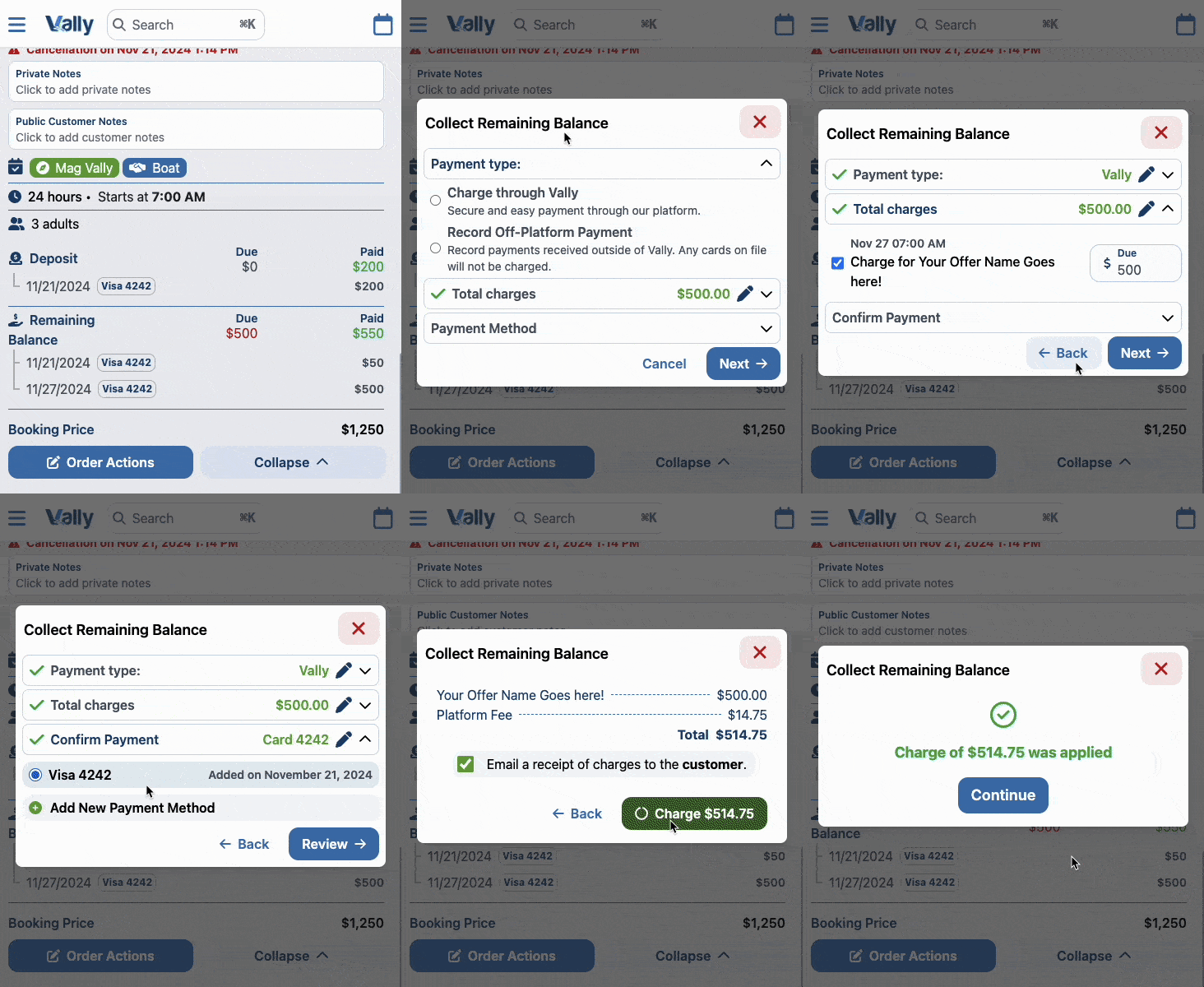
Collect Final Balances
Once a booking is complete, you can easily collect the remaining balance. To do so, first head to the "My Orders" page, and then click the "Review" button for the desired booking.
How to Collect Remaining Balance
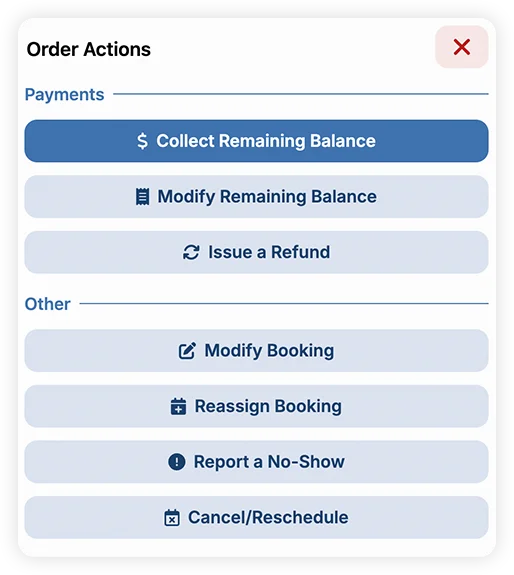
- Click "Order Actions" button and choose "Collect Remaining Balance"
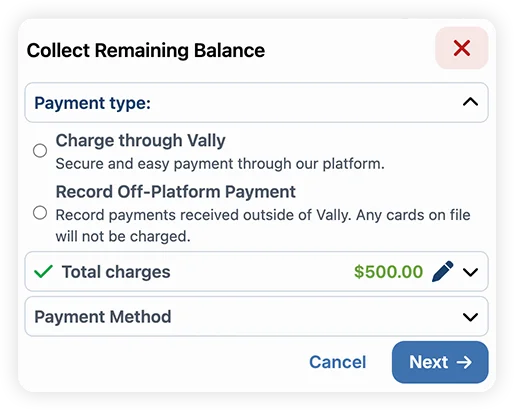
- Select if the payment is going to be charged through Vally or if you're going to register an off-platform payment.
- Enter the description and enter the desired amount
- By default, when selecting a pre-set percentage option, the description will be "Gratuity." However, you can update it at any time.
- Choose to charge a fixed amount or a percentage, depending on your needs.
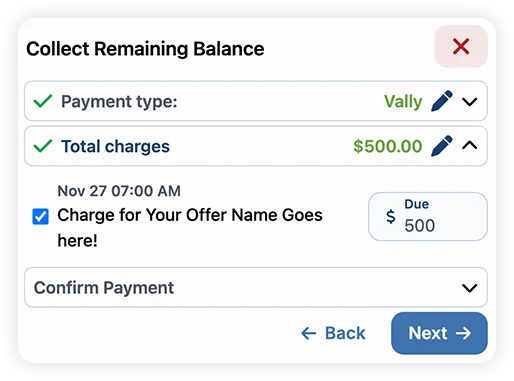
- Select a payment option, or add a new one if needed - then proceed.
- Review the information and confirm. You can also decide whether to send a receipt to the customer email.
- The payment will be processed and you will get a confirmation.
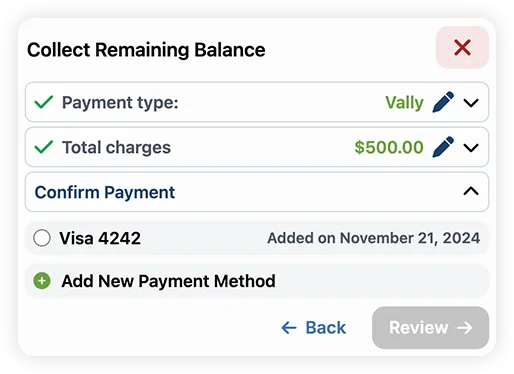


You can also follow the whole process below.