Set Up Trips/Offers
‘My Trips’ is a hub of all the offerings your business has available for booking. Each trip is highly customizable and able to be tailored to your requests, we’ll start with the creation of a trip. If our on-boarding team added your trips for you, please review them to make sure they are correct and if there’s nothing missing.
How to Create an Trip/Offer
- Click ‘Add Trip’ button
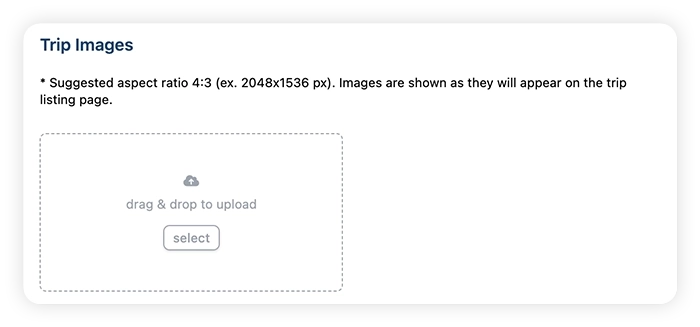
- Upload images for your trip. These must be JPEG or PNG files, with suggested aspect ratio of 4:3. Also in this step, select a cover photo for your offer.
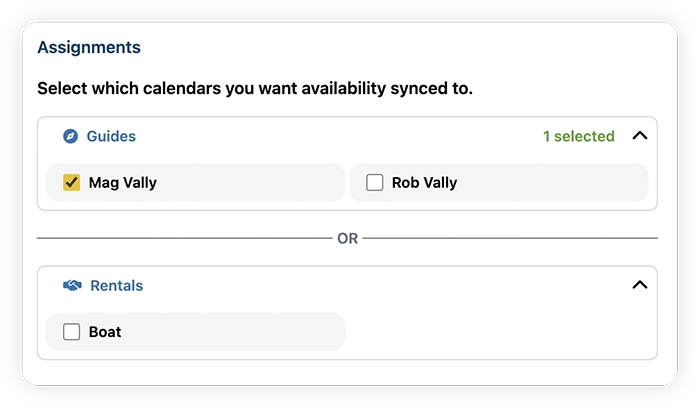
- Select the calendars you want associated with the booking. You can select either Guides or Resources.
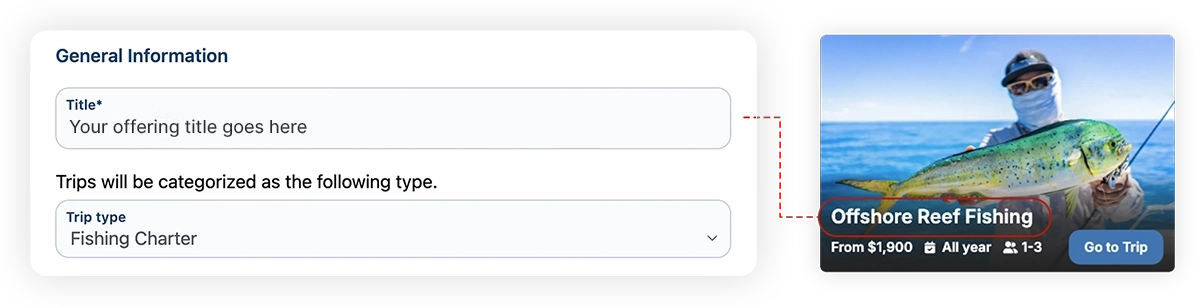
- Enter the title and category for the trip/offer. The title is what will be displayed on your customer booking page, for example:
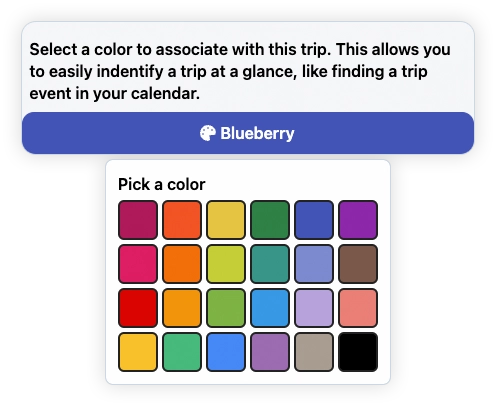
- Select a color for the trip/offer - this color will be the one shown in your calendar view.
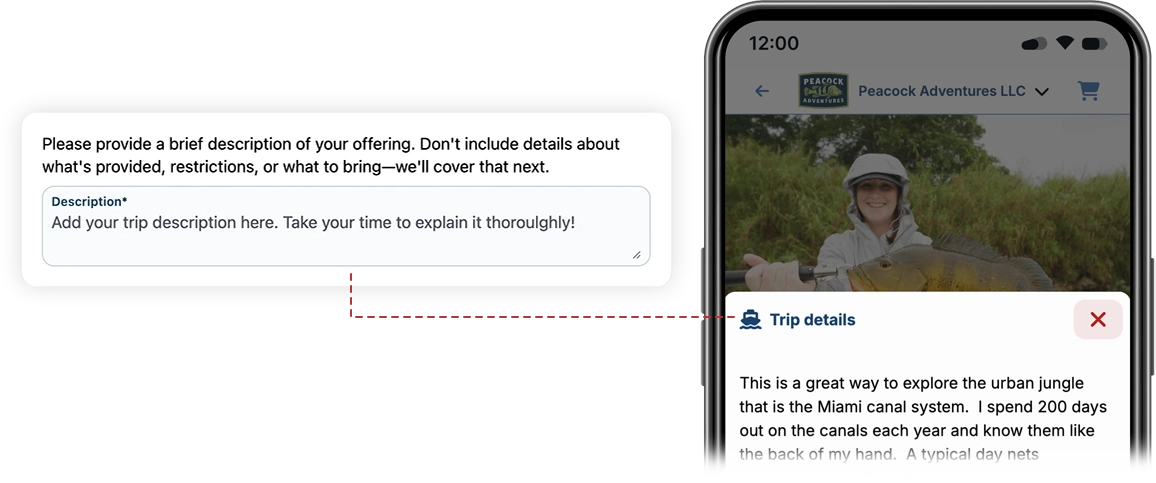
- Provide a description for your trip/offer. This is the best place to tell your customers what your offering is all about.
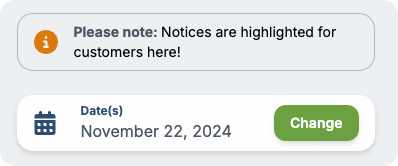
- Provide an optional notice in case of any information you want to ensure customers see.
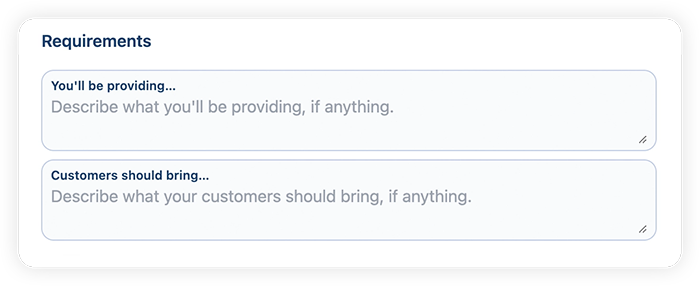
- Describe what you will provide and what should customers need to bring.
- Adjust the group size and age availability:
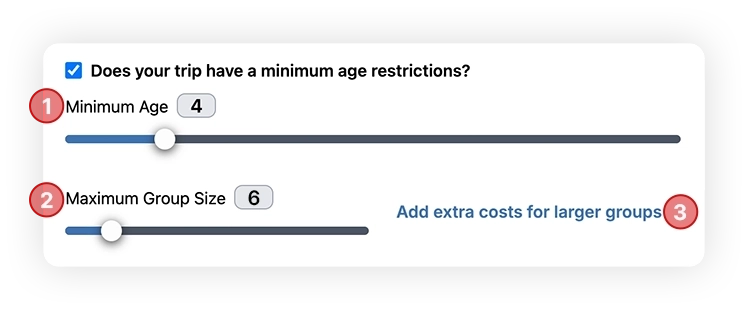
- Add any age restrictions to your trip.
- Enter the maximum group size.
- (optional) Enter any extra person charges you enforce. Example - You offer a fishing charter for $500 with a maximum of 6 people, but you charge an extra $50 for each additional person after 3. You would enter:
- Group of 4, charge an extra: $50
- Group of 5, charge an extra: $100
- Group of 6, charge an extra: $150

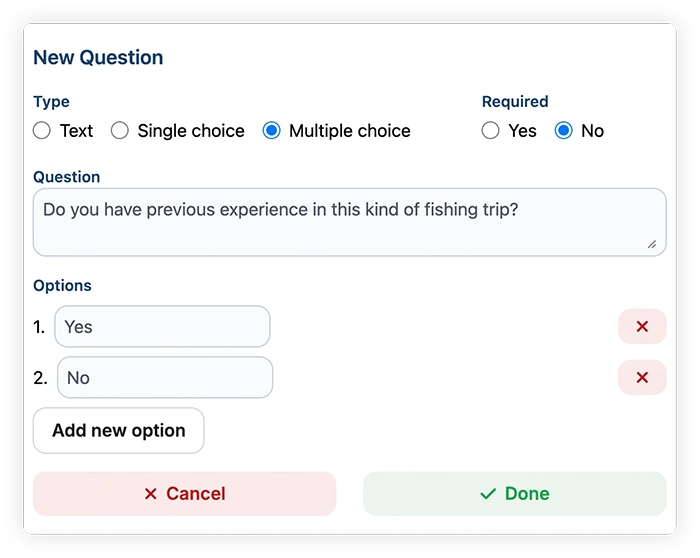
- Add any questions for your customers to answer during checkout. Additionally, you can manage your questions in the "Trip Questionnaire" page.
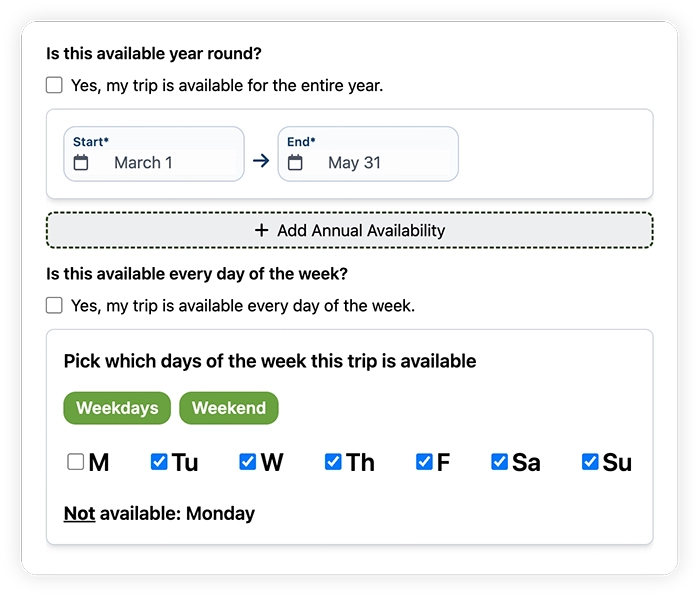
- Set up the timezone and yearly availability of your offering. If you only offer the trip during certain months of the year or days of the week, enter them here.
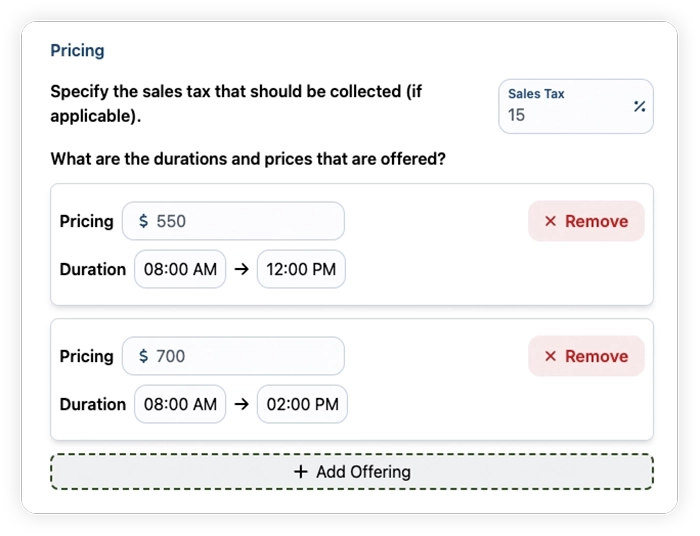
- Enter the duration options your offer possess and their associated prices. Optionally, add the sales taxes that should be collected.
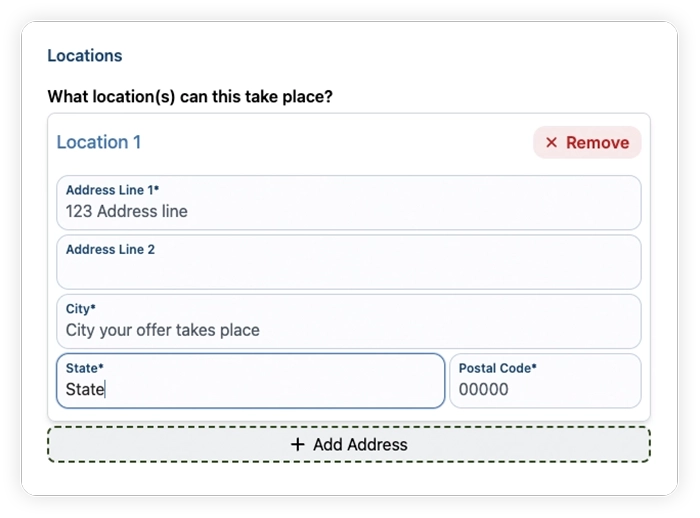
- (optional) Enter a location for your trip if they always take place from the same location.