Create an Account or Sign In
Create a Vally account or sign in securely with your Google account.
Playback speed: 1×
The recording could not be played. Please try again.
Vally uses your Google account for secure account creation and sign-in.
How to Create Your Account
- Go to portal.vallypro.com.
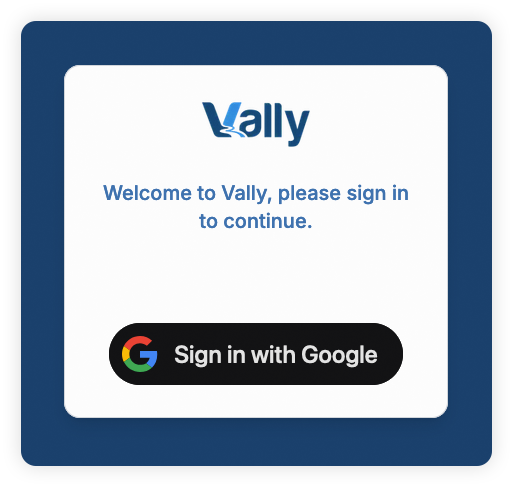
- Click the “Sign in with Google” button.
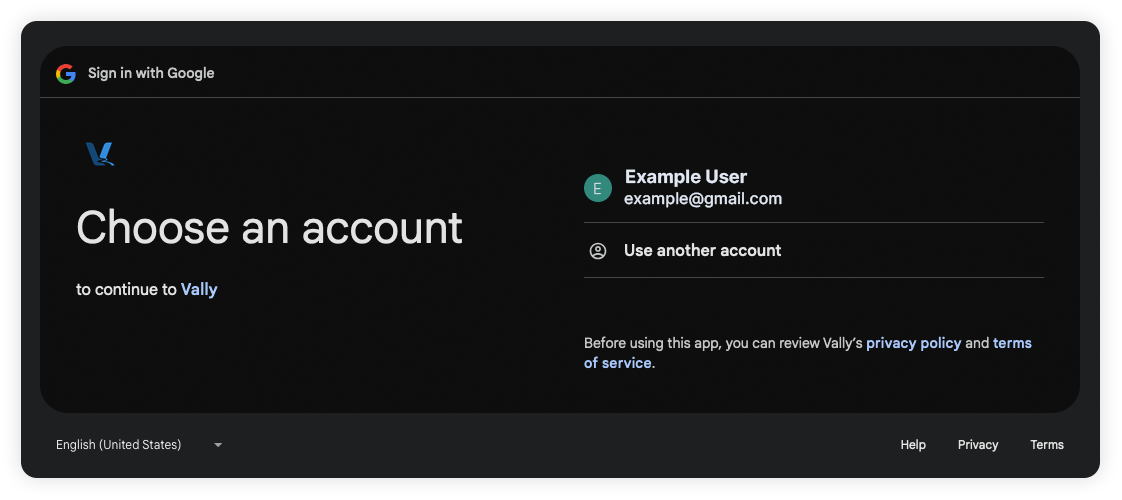
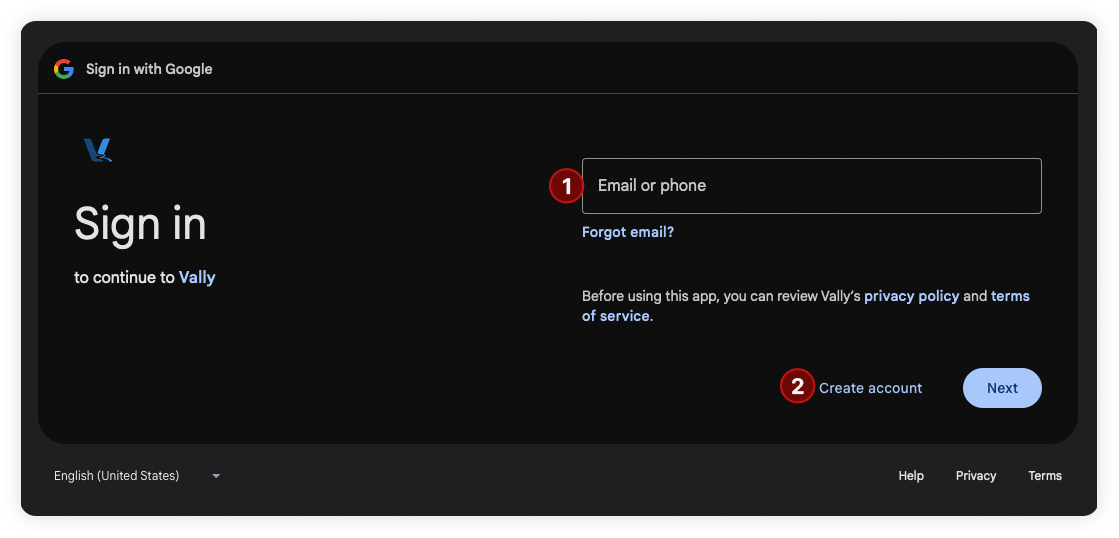
- Choose one of the following:
- Select or sign-in your desired Google account.
- Or if you want to use a non-Gmail email address, click “Create account”.
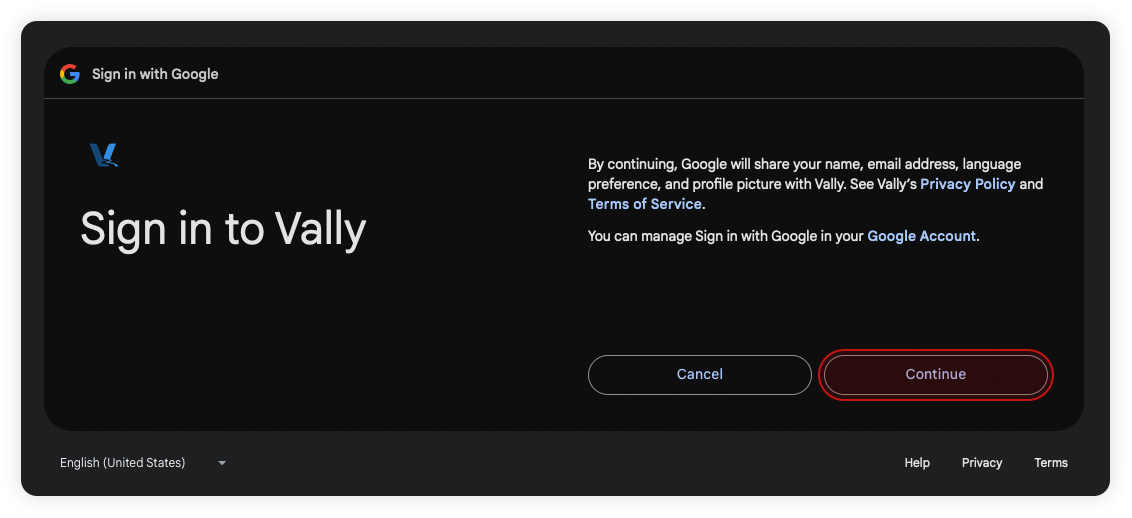
- After selecting and signing in with your account, click “Continue” to finish.
You’re all set!
How to Sign In
- Once you’ve logged in the first time, your account should be saved in the login list. Simply select the desired account and the login process will be automatic.