Exploring the Dashboard
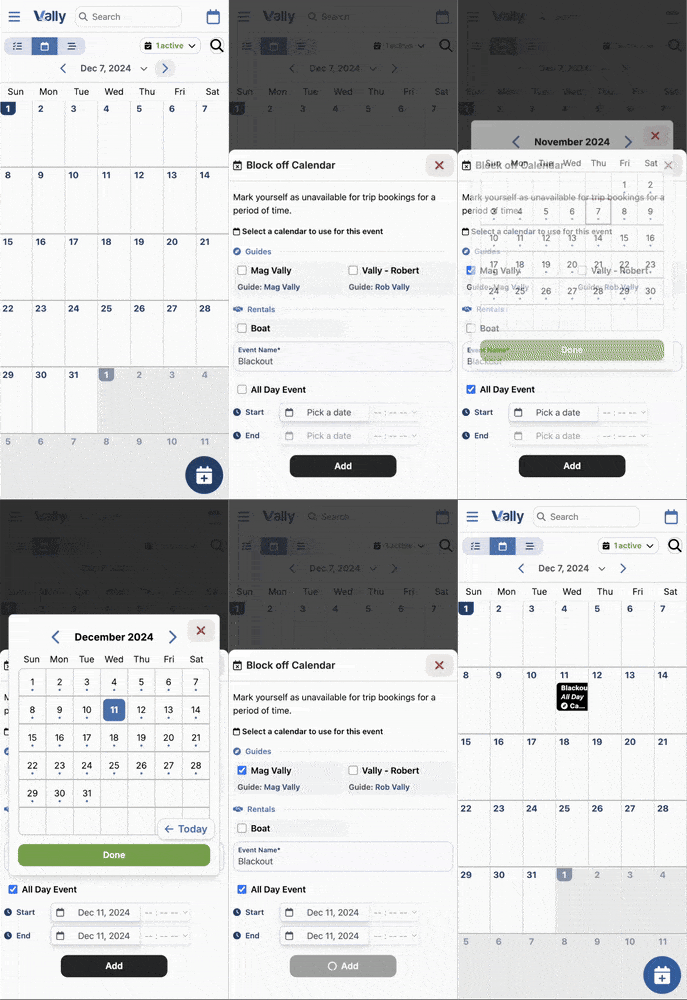
Find your public booking link, online booking requests, and pending invoices on the Vally dashboard. Open the calendar to create events or blackouts.
Playback speed: 1×
The recording could not be played. Please try again.
Explore the dashboard (your home screen for the portal). Here you’ll see.
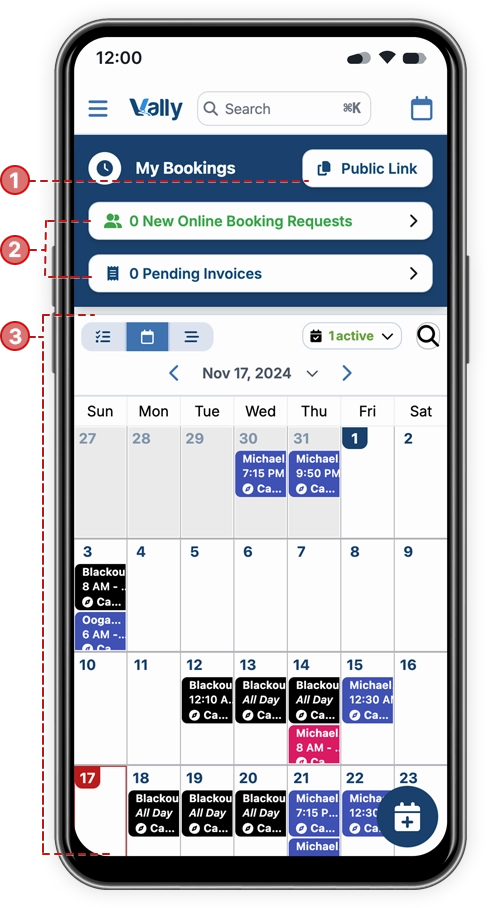
1. Public Customer Link
This is the URL for your online booking page that you put into your website, social media pages, or text to clients to book.
Paste this link into your browser to review your online booking page and go through the flow your customers will see
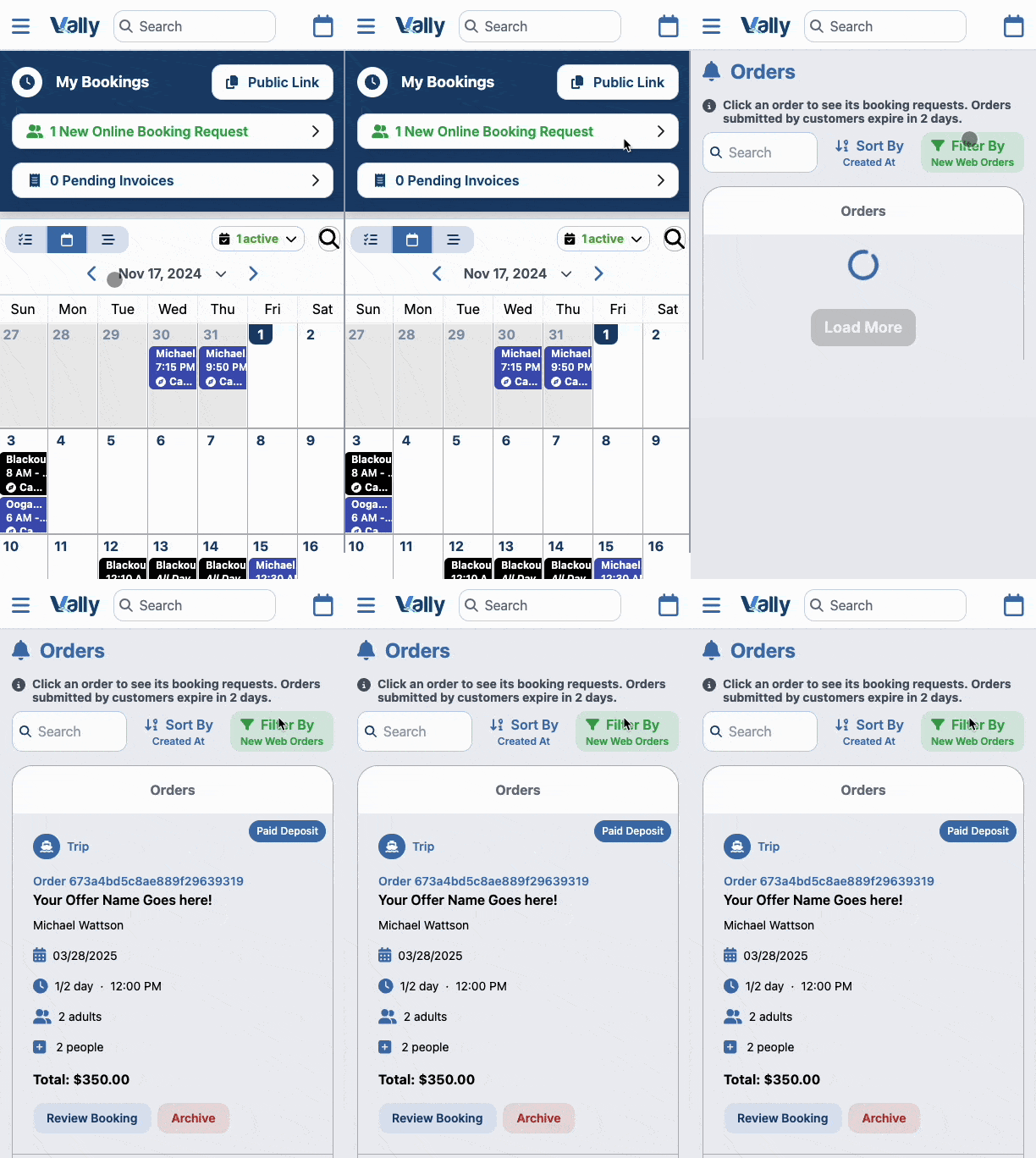
2. My Bookings
Online booking requests for review and pending invoices that are awaiting customer payment
3. Calendar
You can view the calendar here as well as in “View Calendar” section. Use the bottom blue ‘Create’ button to create a new event or a new blackout.