Set Up Business Information
Add your business identity, contact information, email settings, and booking-page details to Vally.
Playback speed: 1×
The recording could not be played. Please try again.
To start using Vally, first you need to complete your Business Information. To do that, head to the tab “General” in the Business Settings page.
Set Up Business Information
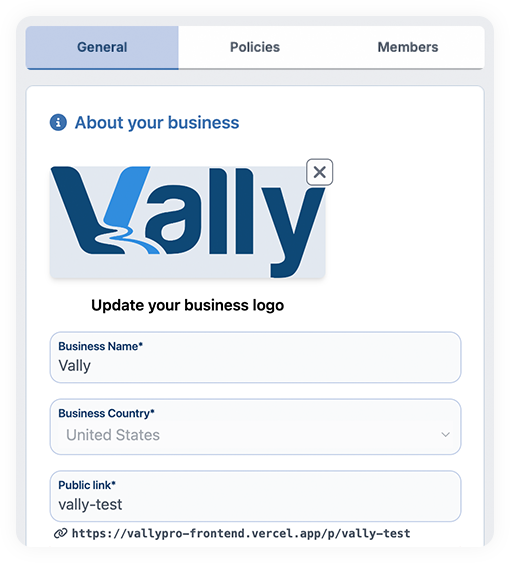
- Start by uploading the logo for your business. We recommend always checking for good quality images and transparent backgrounds.
- Insert your business name.
- Select the country your business takes place. (Currently we are only available in the United States)
- The public link - the link to your trips/offers page - will be the exact same name as your business name, but you can opt to change that.
Email settings
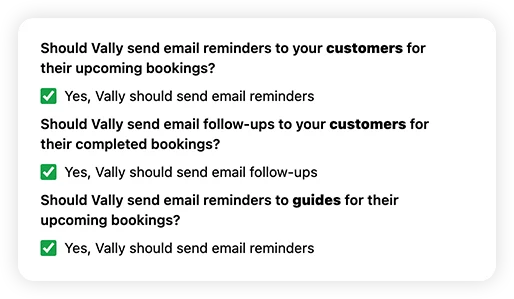
Check or uncheck the settings as desired. These settings determine the emails sent to customers and guides about bookings and reminders. We recommend keeping all options enabled to ensure everyone stays informed and up-to-date.
Contact Information
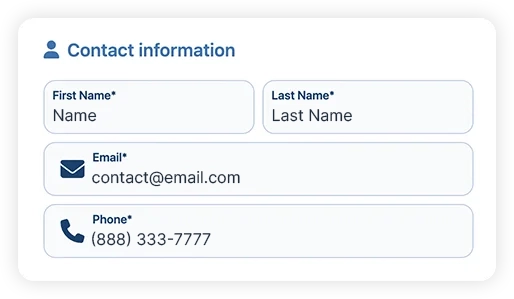
Provide the name, phone number, and email of the person responsible for managing the business to ensure accurate records and proper communication when needed.
Google Tag Manager
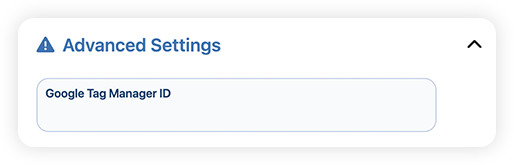
Under “Advanced Settings” is where you will find the Google Tag Manager. If you run google analytics, you can optionally add your tag manager ID.