Set Up Stripe (Individual)
Connect an individual Stripe account to Vally to securely receive customer payments.
Playback speed: 1×
The recording could not be played. Please try again.
Vally partners with Stripe for secure payment processing. Stripe ensures your payment collections are PCI compliant, and that the financial data for your business and your customers is encrypted with industry-leading security standards. None of your sensitive bank account information or your customers’ credit card data is stored on Vally’s servers, nor do we have access to it. Everything is encrypted and protected through Stripe.
How to Set Up Stripe
Proceed through the following steps to connect your bank to Stripe and start processing payments through Vally. These steps are similar to any other payment services provider, like connecting to PayPal, Venmo or Square.
- Select “Banking & Payments” from the Business section on your portal.
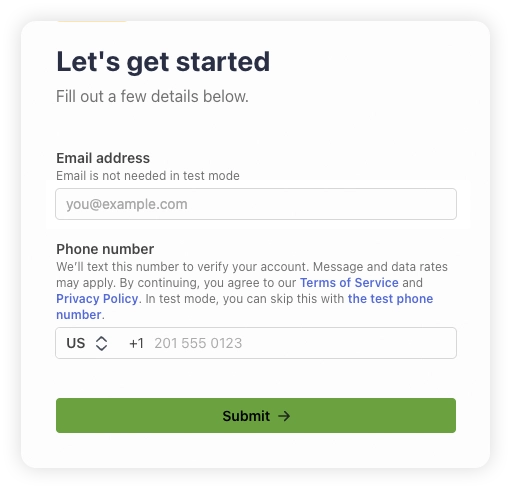
- The next screen you see will be a Stripe web page prompting you to enter your email to get started. Please use your business email address that you used to create your Vally account. Next, enter your phone number and hit submit. Stripe will text you a verification code you’ll enter in the next step to confirm your phone number.
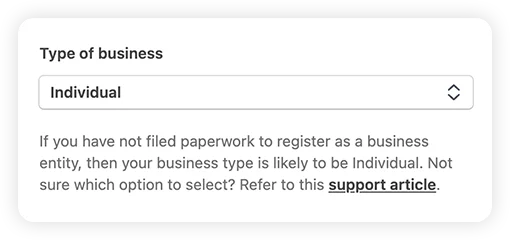
- Since you do not have a registered business, select individual.
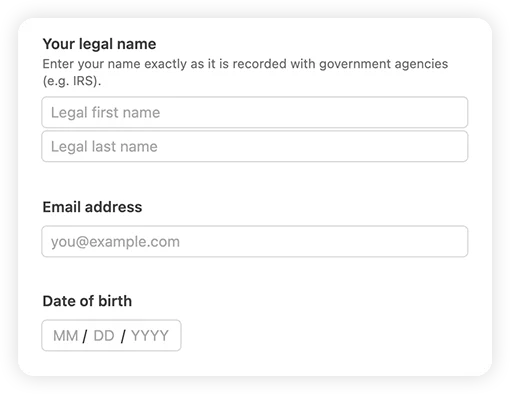
- Enter your legal name, email and date of birth.
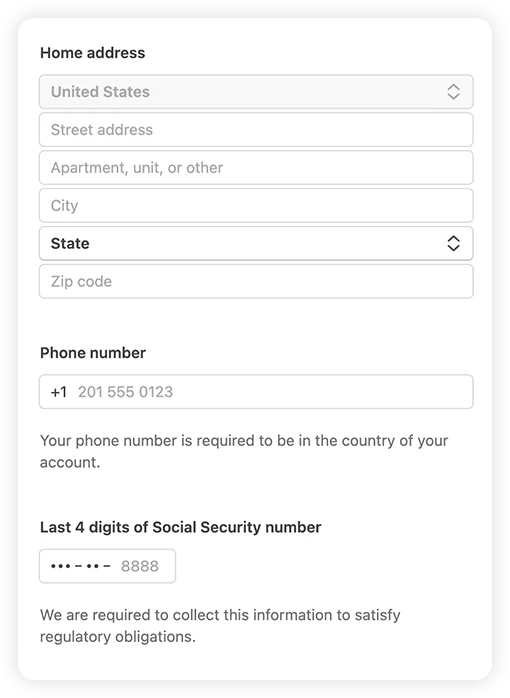
- Next enter your home address, Phone number and the last 4 digits of your social security number (this is required for regulatory obligations).
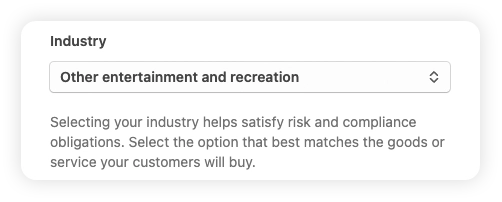
- Select your industry. Stripe doesn’t have an exact match for a majority of businesses using Vally. Most select “Entertainment & Recreation” and then “Other Entertainment and Recreation”. This industry selection does not affect your account.
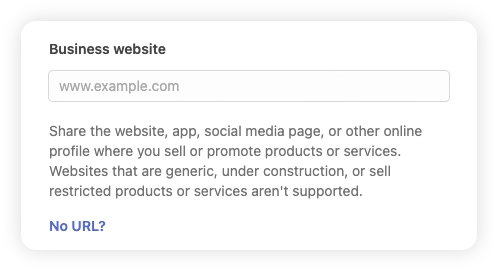
- Enter your website address, then press continue.
- Link your business bank account to Stripe.
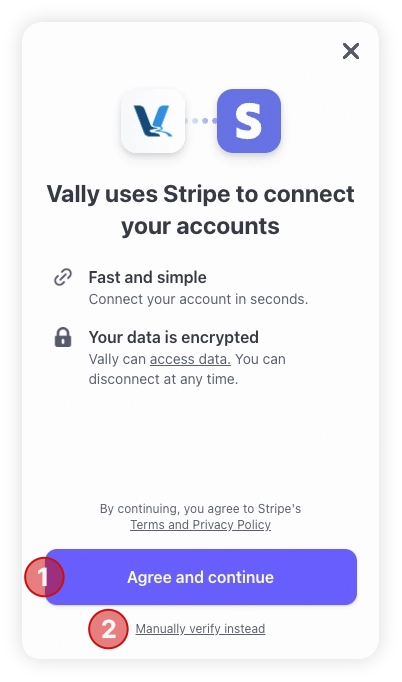
- You can easily search for your bank and log in to link most bank accounts.
- If you run into any issues, you can choose to “manually verify instead” by entering the routing and account numbers of your specific bank account to complete the process.
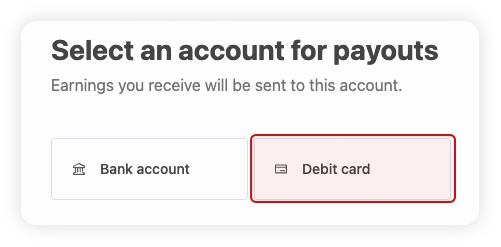
- Alternatively, you can link a debit card instead of either of these options.
- Once you see the success notification, select done. Then, select continue.
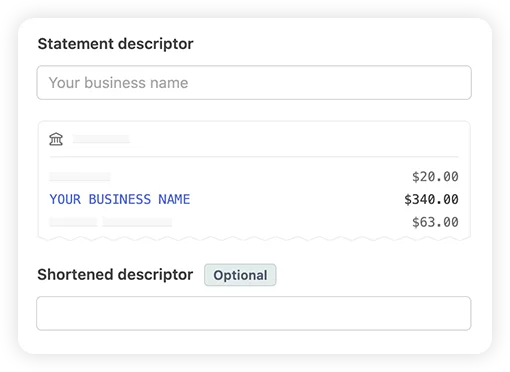
- Enter the statement descriptor - the identification name that appears on your customer’s credit card statements. Optionally, you can add a shortened version as well.
- Review all your information, then select “Agree and Submit”. You will be taken back to your account on Vally’s portal. You will be able to process payments within 24 hours of completion!